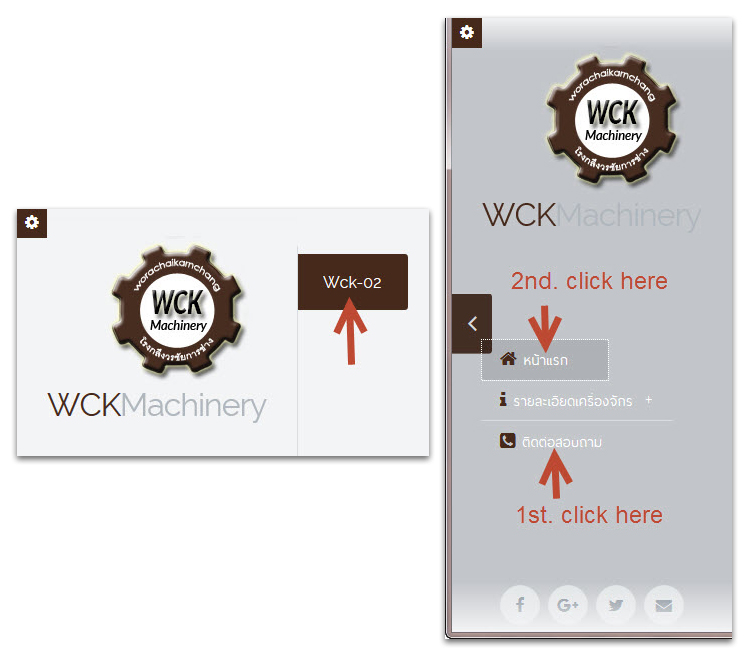
GGANG wrote:1. Sidebar color - when you click on the contact menu and then click on the home page menu.
You have some CSS classes inherited from the default topbar layout that corrupt the sidebar layout. First of all, remove the
menu-absolute-20 class. It is either set in your page settings->details->body classes (bottom), or in your global settings->page->details/include.
Also, please remove the menu-fixed class. Go to settings -> style -> layout, set NONE, click SAVE.

Then choose sidebar again, and click SAVE

I will add to my list to fix so that these classes do not interfere with sidebar layout.
Hmm, did you add LABELS to the pages? I am not 100% sure what is wrong here, I would need panel login please.
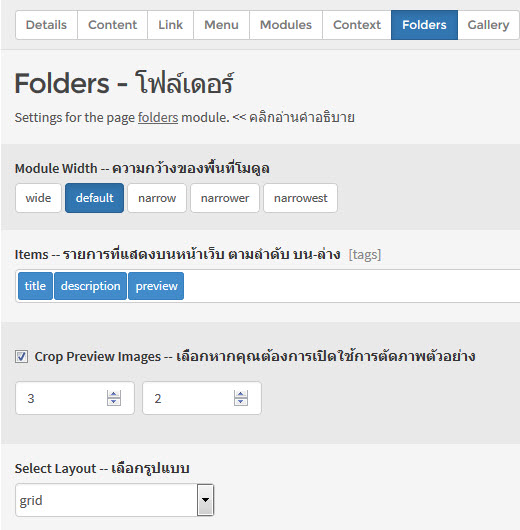
You are updating the files
settings-schema.json and
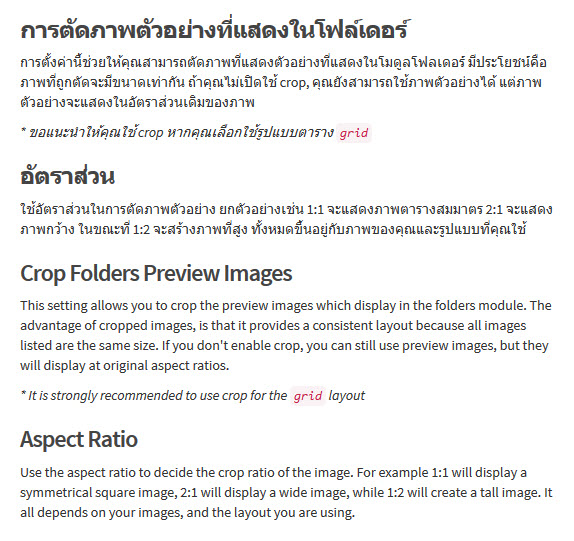
page-settings-schema.json? Unfortunately, I don't have a practical way to keep language managed yet, and some "help" is stored directly in the javascript files. As you can see, there is a massive amount of text to be translated. Within a few months, we will provide language files for translation, that are easy to maintain ...
GGANG wrote:Thank you for the best template in the world and useful admin panel.

Thanks. It's getting better each day ...