Sidemenu: Dark bar next to navigation panel
Posted: 22 Apr 2020, 05:30
Hello,
Today I realized a CSS related issue on my site I'd like to fix:
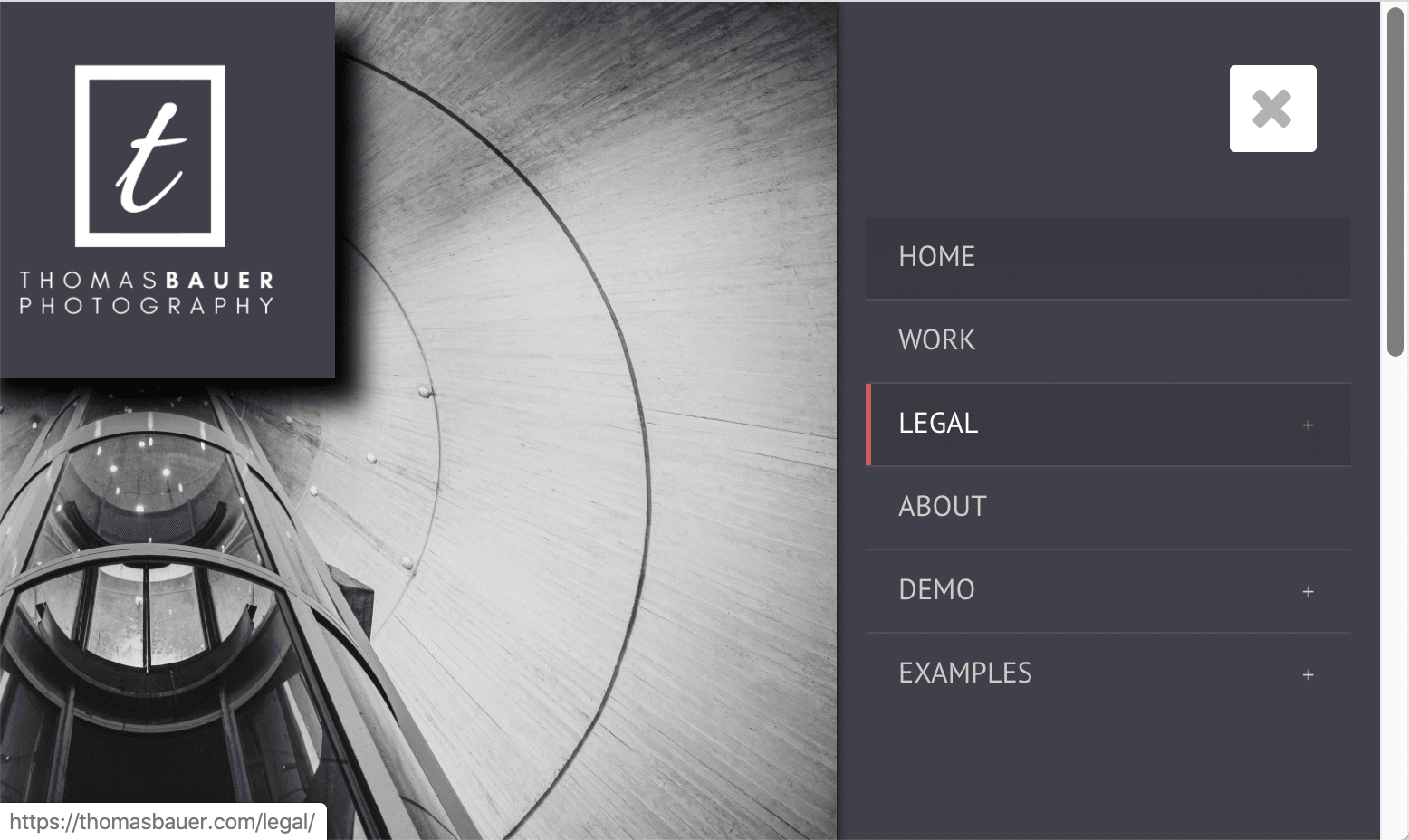
When I reduce the size of the screen on my desktop (via Chrome) and therefore simulate smaller devices, I can see a dark (black) bar on the left side of the sidemenu panel (see screenshot small.jpg).
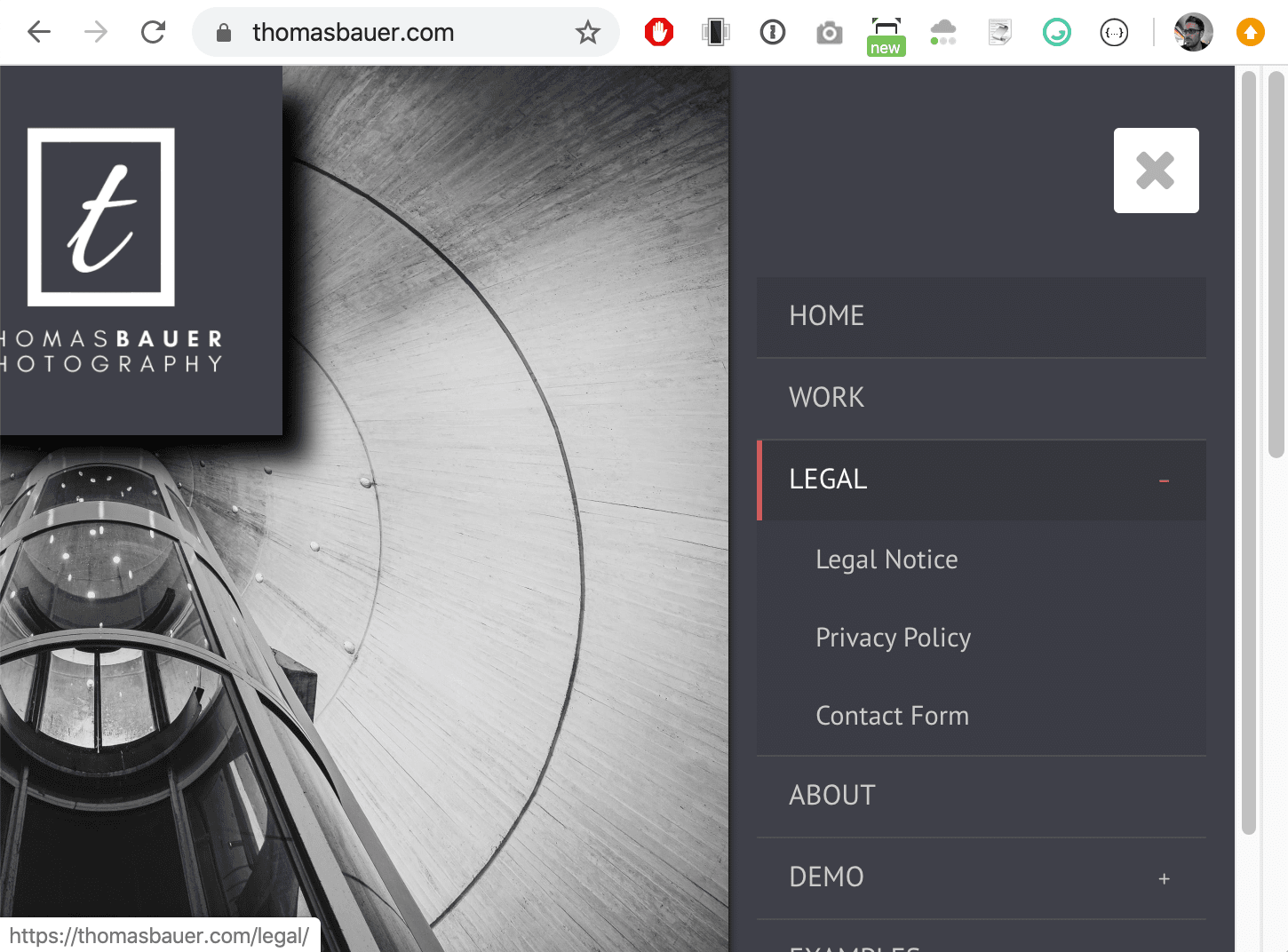
If I increase the size of my browser window again, at 1040 pixel width this bar is gone and does not came back If I increase the size further (see screenshot large.jpg).
My questions are:
1. What is the concept behind this black bar on smaller screens and why is it not visible on larger screens?
2. As I like this bar: How can I enable this bar on all resolutions?
EDIT: Unfortunately I cannot upload files, this will result in a warning.
Thanks,
Thomas
Today I realized a CSS related issue on my site I'd like to fix:
When I reduce the size of the screen on my desktop (via Chrome) and therefore simulate smaller devices, I can see a dark (black) bar on the left side of the sidemenu panel (see screenshot small.jpg).
If I increase the size of my browser window again, at 1040 pixel width this bar is gone and does not came back If I increase the size further (see screenshot large.jpg).
My questions are:
1. What is the concept behind this black bar on smaller screens and why is it not visible on larger screens?
2. As I like this bar: How can I enable this bar on all resolutions?
EDIT: Unfortunately I cannot upload files, this will result in a warning.
Thanks,
Thomas