Page 1 of 1
X3 Styler
Posted: 20 Aug 2019, 04:07
by Unblind
If I created a layout with the X3 Styler, how can I transfer that permanently to the website?
Re: X3 Styler
Posted: 20 Aug 2019, 05:25
by mjau-mjau
Unblind wrote:If I created a layout with the X3 Styler, how can I transfer that permanently to the website?
The X3 styler is for previewing combinations of X3 styles. You can apply styles from X3 Settings > Styles in the control panel. Read more about styles in
point #4 in the setup guide:
https://www.photo.gallery/docs/setup/guide/
For now, the X3 styler is only for previewing styles, and you still need to set styles from the X3 control panel. Perhaps we will change this behavior in the future.
Re: X3 Styler
Posted: 20 Aug 2019, 05:59
by Unblind
I tried that. I find neither the font nor the skin.
Re: X3 Styler
Posted: 20 Aug 2019, 06:05
by mjau-mjau
You don't see SKINS under X3 panel STYLE settings?
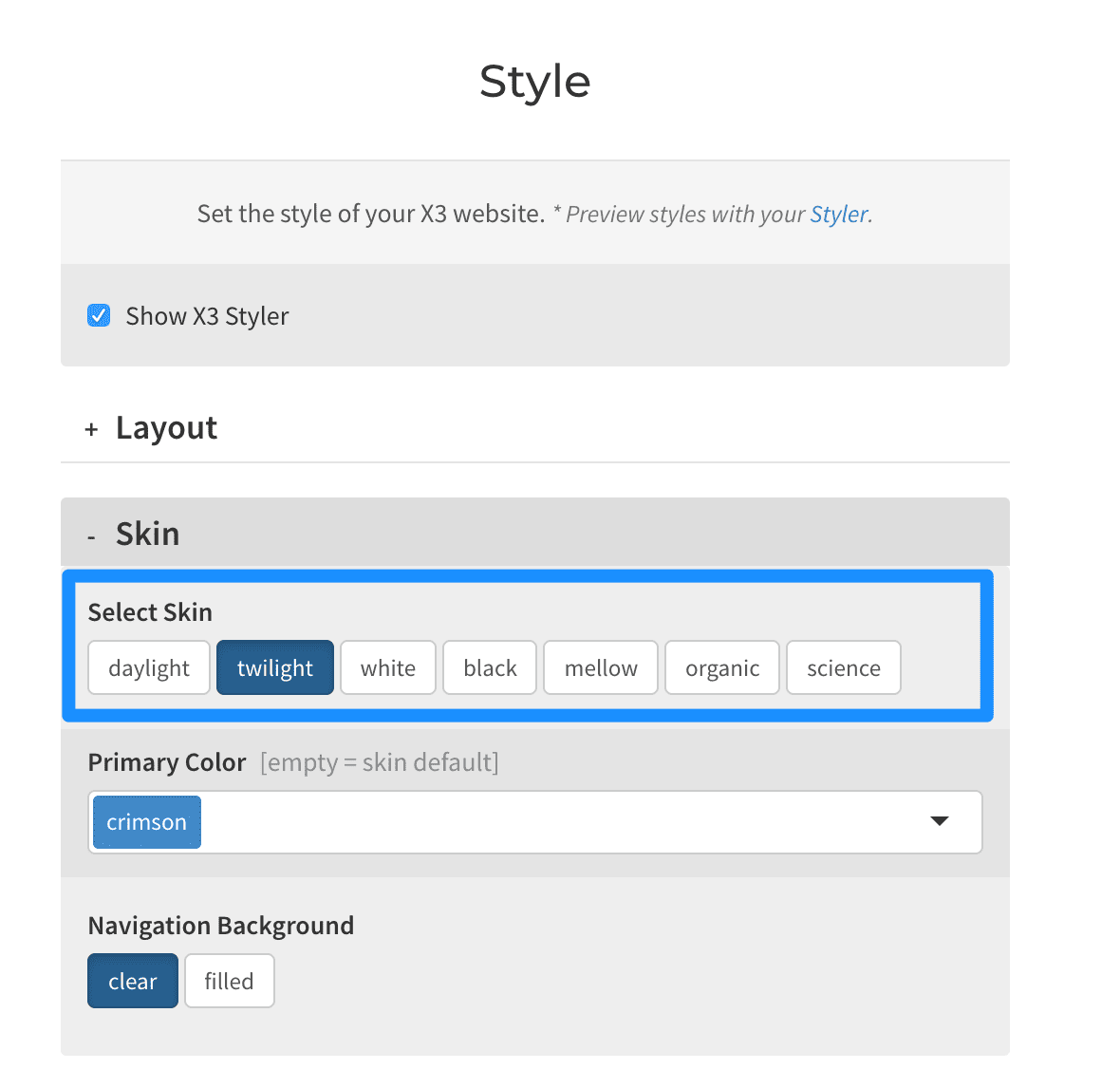
They are of course the same 7 skins you can find in the styler > skins dropdown:
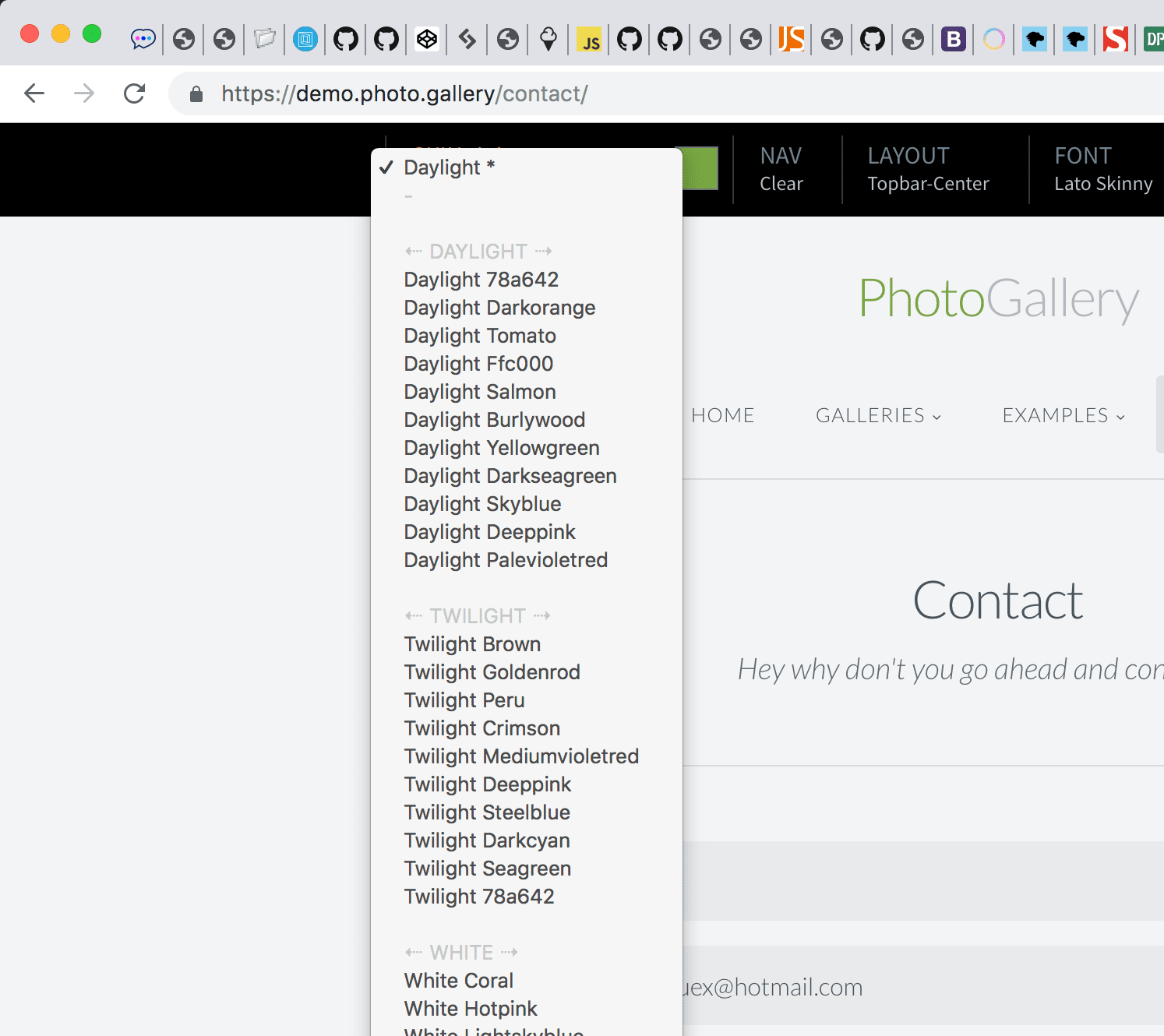
The color variation on the RIGHT side of the skin name is simply the primary color used with the skin. You can set the primary color also from the skin settings. I'm not quite sure what you can't find ...
Re: X3 Styler
Posted: 20 Aug 2019, 08:08
by Unblind
Hat jetzt geklappt. Danke.