lock caption showing in public-facing galleries
Posted: 19 Aug 2026, 00:36
I'm not sure where it's come from, but I just noticed that the caption fields in my galleries that have captions have this lock icon that says lock caption when hoovering over the text field:
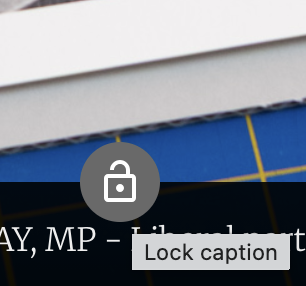
Pressing the lock icon toggles it between being locked and not being locked, but doesn't seem to do anything else. What is this and how can I get rid of it? I've searched through all of the options for sitewide and gallery-level captions but can't find anything about it.
You can see it in action in this gallery:
https://treypentecost.com/New_York_City ... -47-16.jpg
Pressing the lock icon toggles it between being locked and not being locked, but doesn't seem to do anything else. What is this and how can I get rid of it? I've searched through all of the options for sitewide and gallery-level captions but can't find anything about it.
You can see it in action in this gallery:
https://treypentecost.com/New_York_City ... -47-16.jpg
