Displayed images are downsampled
Posted: 13 Jan 2025, 07:38
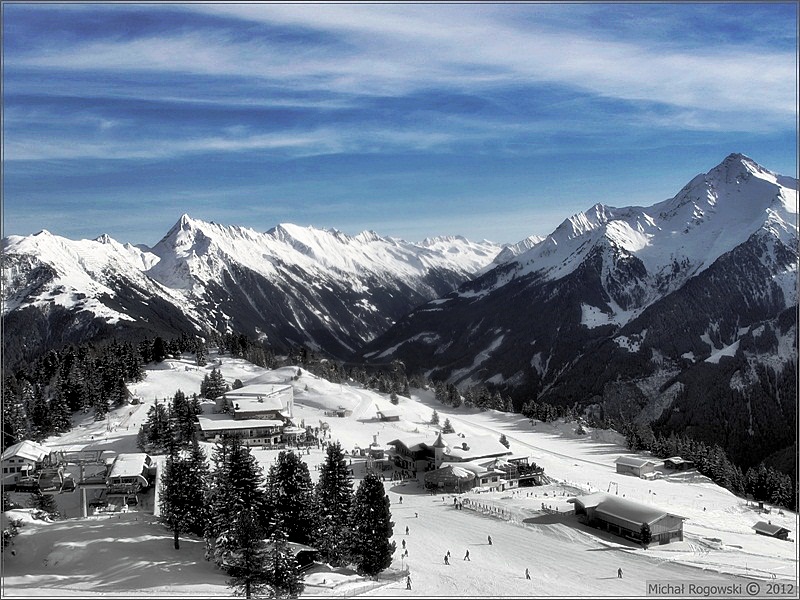
Shortly: Images in the gallery are not displayed in original size when clicked to zoom to original size.
They look slightly downsampled and visibly blurred. Tried to fix it for several hours but can't find responsible setting. I assume that they are purposely downsized to fit to screen dimensions, but actually the screen is big enough to allow them to be shown in original size.
Could someone point me to the solution if there is any? I need the gallery which can present images in pixel-to-pixel precision.
Long story: I have bought X3 Photo Gallery few years ago and placed it on cloud server just to give it a try. It was hobby rather, and the project was suspended after a year of activity. But it still works and pictures are displayed in original size when clicked. Now I need to go back to imagevue gallery for professional purposes. I tried to simply move the gallery from cloud serwer to my private local server to modify it to new tasks, but it didn't work (it was copy and paste process). So I downloaded actual version ox X3 Photo Gallery and placed several pictures to see how they look when compared with the cloud ones and I saw the difference described above. After several hours of deep diving into settings I still can't find a solution. I DO NOT RESIZE IMAGES WHILE DOWNLOADING.
Thank you to anyone who can help :)
They look slightly downsampled and visibly blurred. Tried to fix it for several hours but can't find responsible setting. I assume that they are purposely downsized to fit to screen dimensions, but actually the screen is big enough to allow them to be shown in original size.
Could someone point me to the solution if there is any? I need the gallery which can present images in pixel-to-pixel precision.
Long story: I have bought X3 Photo Gallery few years ago and placed it on cloud server just to give it a try. It was hobby rather, and the project was suspended after a year of activity. But it still works and pictures are displayed in original size when clicked. Now I need to go back to imagevue gallery for professional purposes. I tried to simply move the gallery from cloud serwer to my private local server to modify it to new tasks, but it didn't work (it was copy and paste process). So I downloaded actual version ox X3 Photo Gallery and placed several pictures to see how they look when compared with the cloud ones and I saw the difference described above. After several hours of deep diving into settings I still can't find a solution. I DO NOT RESIZE IMAGES WHILE DOWNLOADING.
Thank you to anyone who can help :)