Page 1 of 1
Set center point
Posted: 08 Dec 2020, 13:04
by Dane
Hi!
Is it possible, for example, when cropping vertical format photos, to set a center point?
See this example. Here it would be great, when its possible to set the center point to the middle of the upper half, where the red X is located.

- 2020-12-08 18_59_46-Window.jpg (51.22 KiB) Viewed 2715 times
Re: Set center point
Posted: 09 Dec 2020, 00:47
by mjau-mjau
Dane wrote:Is it possible, for example, when cropping vertical format photos, to set a center point?
Although there is no option to set "center point" on a per-image basis, there is a feature Settings > Advanced > Image Resizer >
Smart Crop.
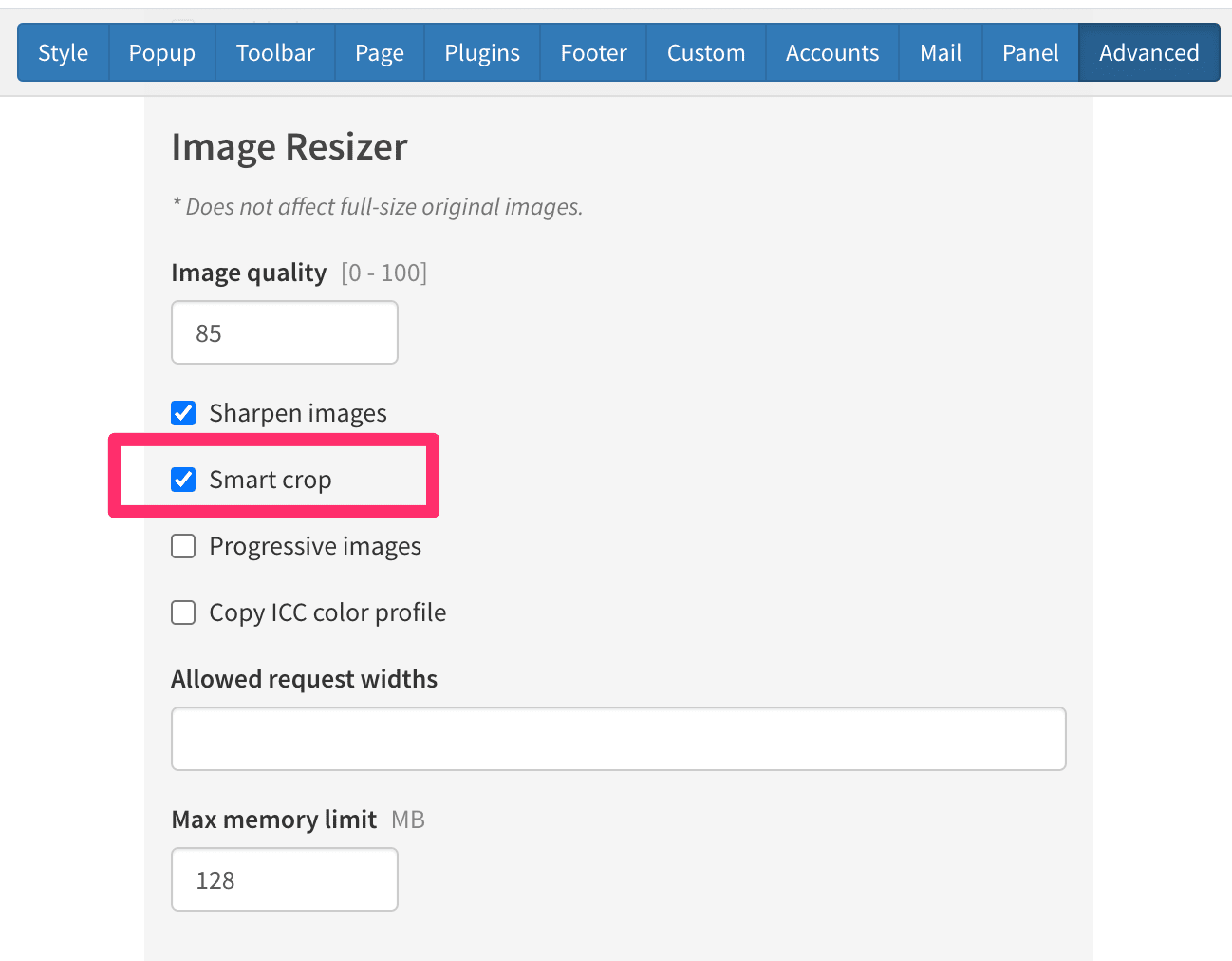
This feature will attempt to automatically crop your images based on "areas of interest". It might not always work as expected ... the image in your example has a lot of overall contrast, so it might not be able to focus on the "face" ... but it might very well still work.
X3 Panel Help wrote:Smart crop
When enabled, images will crop to "interesting" areas of an image (for example faces). Smart crop is slightly slower than center-crop, because the resizer has to scan the image for areas of entropy (chaos) to calculate the crop focus area. However, it will not affect performance once images are cached. When disabled, images will be standard center-cropped.
* This setting only affects cropped images.
* Although results are usually better, smart crop may produce unexpected results in some images.
* This setting will not affect already-cached images.
Alternatively, why not choose a layout like "justified" or "columns" that does not crop images?
Re: Set center point
Posted: 09 Dec 2020, 11:43
by Dane
Hi Karl,
thanks for this information. I activated Smart Crop, but like as you said, it doesent work on my example. But I noticed your hint and try columns and justified. I decided to use justified. The high format photos are a bit small in the preview, but I think it is ok.

- 2020-12-09 17_42_55-Posteingang - Dane.Vetter@sig.biz - Outlook.jpg (205.96 KiB) Viewed 2703 times
Re: Set center point
Posted: 09 Dec 2020, 23:24
by mjau-mjau
Dane wrote:I activated Smart Crop, but like as you said, it doesent work on my example.
I may have forgotten to mention that you would need to go to Tools > Cache > Image Cache, and delete the cache for this dir, else the new "smart crop" versions would not get created.
Dane wrote:But I noticed your hint and try columns and justified. I decided to use justified. The high format photos are a bit small in the preview, but I think it is ok.
Yes. Columns and Justified will respect the original image aspect, but Columns will emphasize "vertical" images while Justified will emphasize "horizontal image.
Re: Set center point
Posted: 10 Dec 2020, 09:37
by Dane
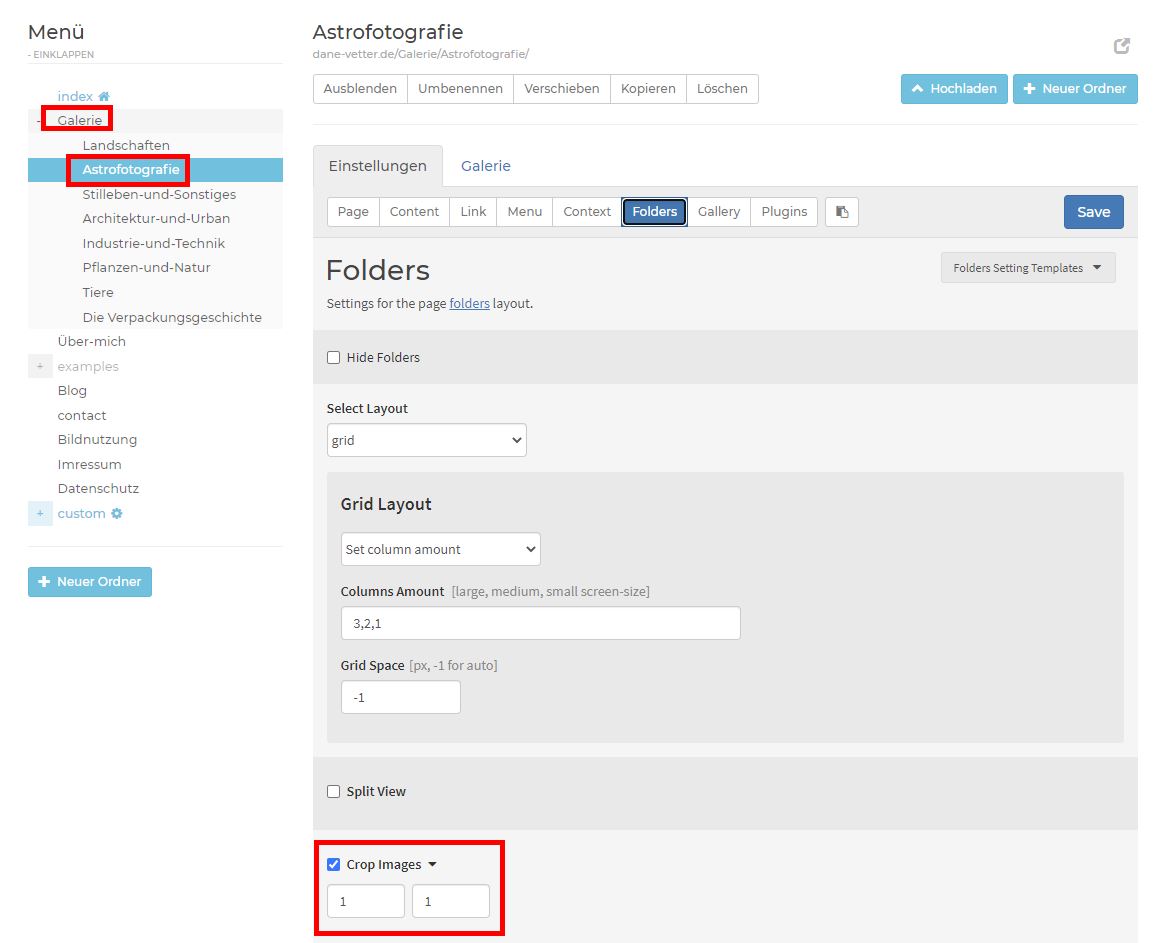
Thank you for the hint about the chache. I want to use this function on the overview in my gallery. But it didnt work.
- 2020-12-10 15_34_12-X3 Panel.jpg (72.99 KiB) Viewed 2691 times
And i have activated the crop setting in the folgder "Gallerie" and also in the subfolder "Astrofotografie"
- 2020-12-10 15_34_12-X3 Panel.jpg (72.99 KiB) Viewed 2691 times
And i deleted the chache.
Re: Set center point
Posted: 10 Dec 2020, 09:44
by Dane
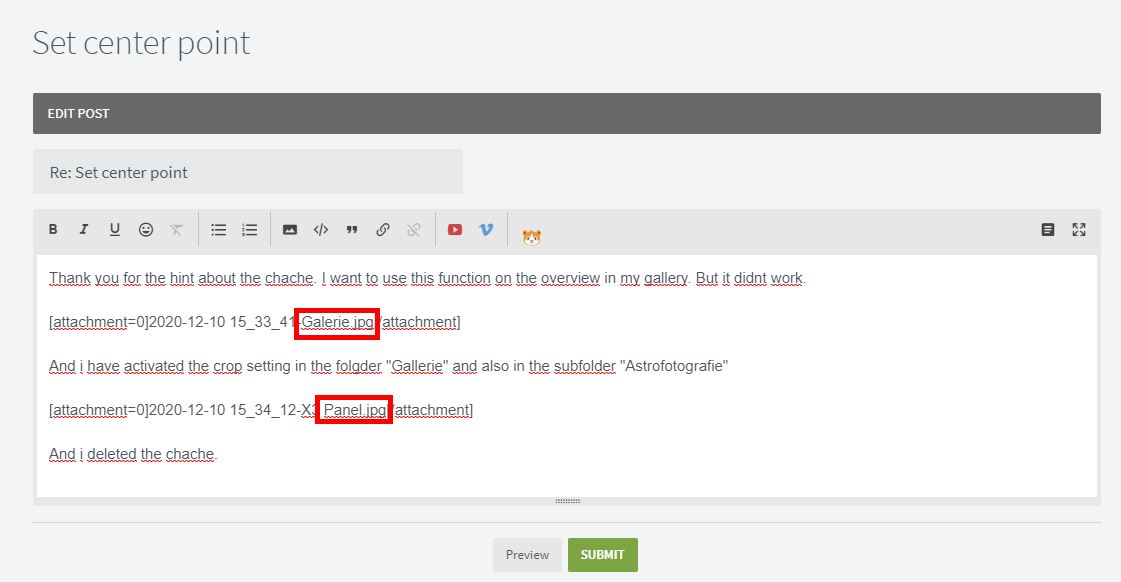
Maybe there is an bug in this forum. The pictures in my post above this are not in the right order, and one image is is displayed twice?
- 2020-12-10 15_40_47-X3 Photo Gallery Forums - Edit post.jpg (51.74 KiB) Viewed 2688 times
Re: Set center point
Posted: 10 Dec 2020, 23:10
by mjau-mjau
First of all, you are referring to that
galaxy image right? Why are you using smart-crop on that image in the first place if you want the plain center-crop? In the case of this specific image, it is correctly shifting focus of the crop towards the strong cluster of stars on the RIGHT side of the image ... As you can see, there are lots of strong stars on the right, and just a grey area on the left.
Bad example. Why use smart crop here in the first place if you don't want it? The smart cropper will work 80-90% nicely, mostly with images like humans/faces. If you throw in photos of galaxies and star clusters, it will focus on the data in the image, which in this case is the vortex in the middle (which is included in the crop), but with a shift in focus to the star cluster on the right.
Re: Set center point
Posted: 11 Dec 2020, 04:12
by Dane
Hi Karl,
I wanted to use this function because I would like to make the overview of the gallery with 1x1 squares. And when I set this, the photos are not in the middle as you see in the screenshot. Yes, thats the right image in the example.
Re: Set center point
Posted: 11 Dec 2020, 05:33
by mjau-mjau
Dane wrote:And when I set this, the photos are not in the middle as you see in the screenshot. Yes, thats the right image in the example.
No the photos are NOT centered, and that is the entire point of "smart crop". I thought I made that clear ... With "smart crop", instead it will shift the crop towards what is considered the "center of chaos" in the image. Speaking on behalf of the image in your screenshot, that is shifted left to include the cluster of stars on the right side of the image. In cases where there are humans (faces), smart crop will most often shift the focus towards the face, which is the most helpful functionality.
If you just want images centered, then disable "smart crop", because that's already what the default crop does.
Re: Set center point
Posted: 11 Dec 2020, 06:45
by Dane
Hi Karl
I'm sorry, I must have misunderstood. I have now deactivated Smart Crop! I then cleared the cache. I hope it works now that the crops of the images are centered.
Re: Set center point
Posted: 12 Dec 2020, 00:04
by mjau-mjau
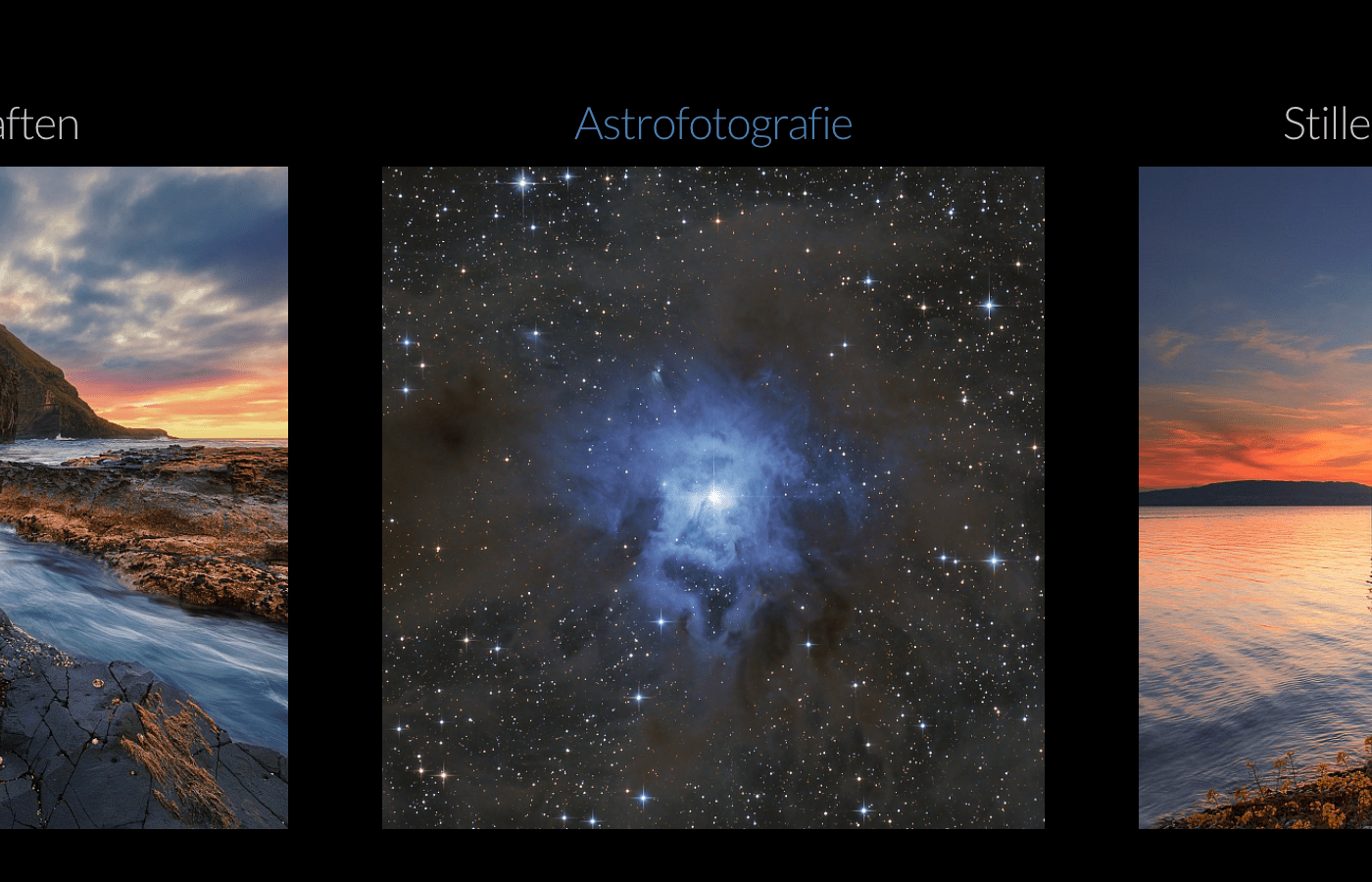
It works! Normal crop will simply crop at center no matter what.
Re: Set center point
Posted: 12 Dec 2020, 11:08
by Dane
Thank you, thats perfect!
