Page 1 of 1
Please check image-dimensions for me!
Posted: 27 Jan 2016, 01:13
by mjau-mjau
Hi All. I have a case where one user is seeing images scaled UP (above original image-dimensions) in the popup window. That is not supposed to happen of course (since v0.15 at least). Here, the images are displaying correctly, but reports from a user claim they scale up in Firefox and Chrome on Windows. Please can someone check the link below and let me know how large the image is actually displaying at their browser?
http://www.light-shadow.net/projects/te ... pid=test-1
It should display at maximum original dimensions
640 x 427 px obviously.
Here is the image direct link:
http://www.light-shadow.net/content/6.p ... test_1.jpg
Best is to use browser DEVTOOLS like in my screenshots below, but you can also use any measurement tool like a screenshot tool, or a browser plugin. Big thanks!
Re: Please check image-dimensions for me!
Posted: 27 Jan 2016, 01:15
by mjau-mjau
My tests, both browsers correctly displaying the image at 640x427:
Chrome, Mac:

Firefox, Mac:

Re: Please check image-dimensions for me!
Posted: 27 Jan 2016, 01:22
by mjau-mjau
Windows Firefox from browserling.com, displaying correctly at 640x427:

Re: Please check image-dimensions for me!
Posted: 27 Jan 2016, 09:01
by hr-foto
Hi Karl,
maybe found something interesting:
Internetexplorer:
Everything ok, display = 1:1, sharp characters
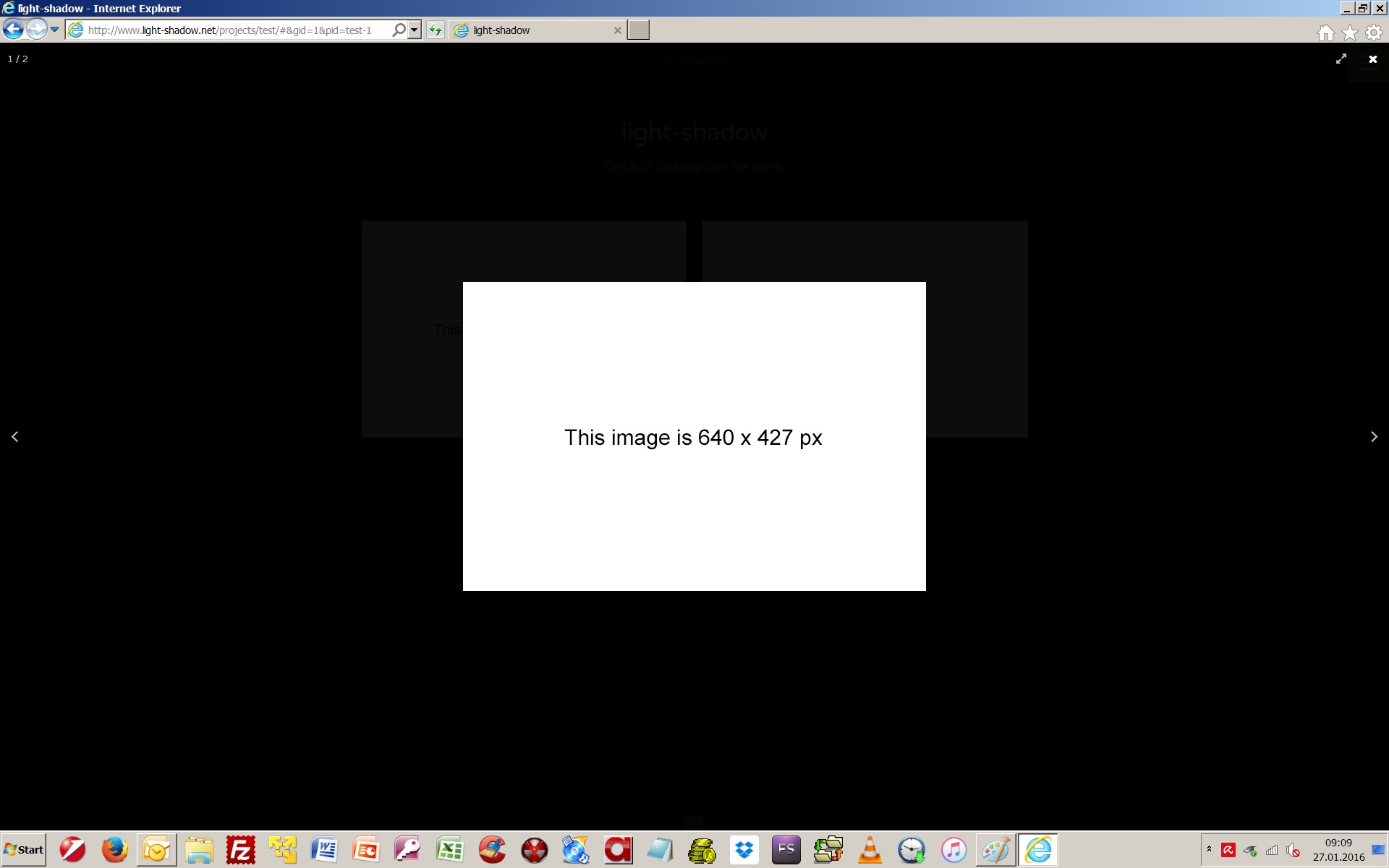
- IE_1920x1200_test_1.jpg (85.36 KiB) Viewed 5520 times
Firefox and Chrom:
If I rightclick and download the image I get the image with the right dimension 640 x 427
BUT
the image is displayed upscaled to approximate 867 x 580 (seen and measured in the screenshot) (characters are a little bit blurry at the edges)
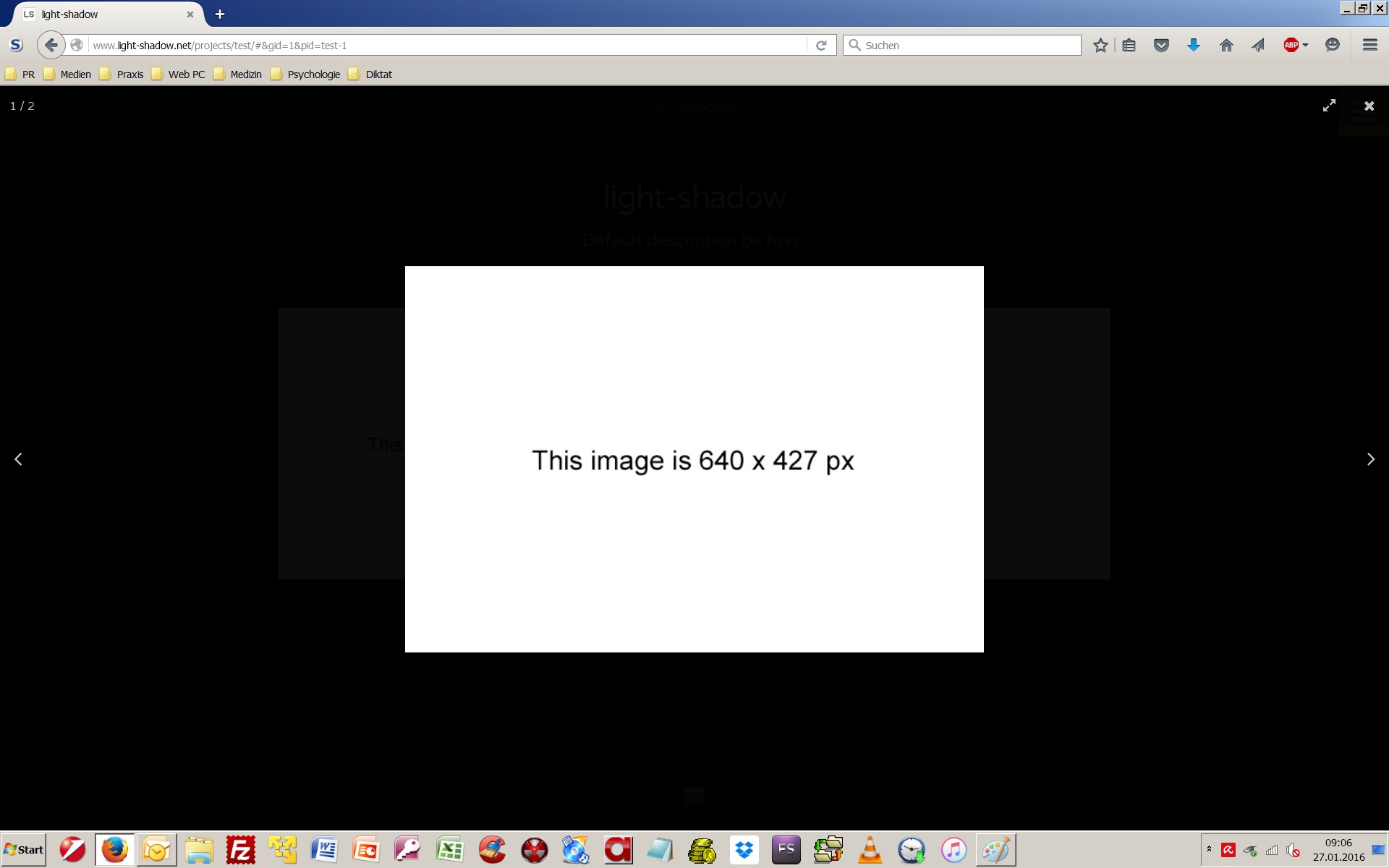
- firefox_1920x1200_test_1.jpg (95.72 KiB) Viewed 5520 times
So it looks like that the browser has the right image but displays it upsclaed.
I see this on different computers (screen = 1920 x 1200).
Best regards
Herbert
Re: Please check image-dimensions for me!
Posted: 27 Jan 2016, 11:32
by mjau-mjau
Unfortunately, that is irrelevant ... Its always gonna be the same original image file, so that is not the issue here. I think you will find that this is an issue native to your desktop only for some reason, but I can't explain why ...
Re: Please check image-dimensions for me!
Posted: 27 Jan 2016, 11:45
by Martin
No upscaling here...
I'm using Chrome Versie 47.0.2526.111 m
Made a screenprint and in Photoshop I can see that the image is not upscaled.
My screen is 1920x1200
Re: Please check image-dimensions for me!
Posted: 27 Jan 2016, 13:48
by GGANG
Hi Karl,
This is my test from Windows 7 with Firefox Developer and screenshot by TechSmith SnagIt.


Re: Please check image-dimensions for me!
Posted: 27 Jan 2016, 14:01
by sprocket
Karl, is it possible that it could be as simple as the client's browser is zoomed in or out (Example Windows Firefox Zoom in/out command: Ctrl+ + and Ctrl+ -) and needs to be reset to "no zoom" (Example Windows Firefox reset zoom command: Ctrl+ 0)? When I zoom my browser, the images appear up-scaled and push out to borders in the popup. I'm not exactly sure what your asking, but I get different picture size dimensions when using browser zoom in/out from my browsers "inspect element" feature in the popup.
Joe
Re: Please check image-dimensions for me!
Posted: 27 Jan 2016, 23:05
by mjau-mjau
sprocket wrote:Karl, is it possible that it could be as simple as the client's browser is zoomed in or out (Example Windows Firefox Zoom in/out command: Ctrl+ + and Ctrl+ -) and needs to be reset to "no zoom" (Example Windows Firefox reset zoom command: Ctrl+ 0)?
Certainly. However, this one user claims that he is in 100% zoom mode, and the images are still upscaled. Therefore, in this thread, I am asking if the image is scaling past its original dimensions, in normal (100%) zoom mode.
Re: Please check image-dimensions for me!
Posted: 28 Jan 2016, 03:11
by hr-foto
H, Karl,
I found the reason.
In the Windows Control Panel (Display) you have the possibility to improve the readability.
There are 3 settings: 100% (standard), 125 % and 150 %
As I am no young guy, I have the setting to 125 % on my computers to have the characters a little bit larger.
After this only Internet Explorer does no upscaling of the images, Firefox and Chrome do upscaling.
Once again, thank you for helping and your patience.
Best regards,
Herbert
Re: Please check image-dimensions for me!
Posted: 28 Jan 2016, 08:32
by mjau-mjau
Glad it was resolved. Now we know this for next time!
