How do I use custom Javascript?
Posted: 23 Oct 2025, 18:48
Hello,
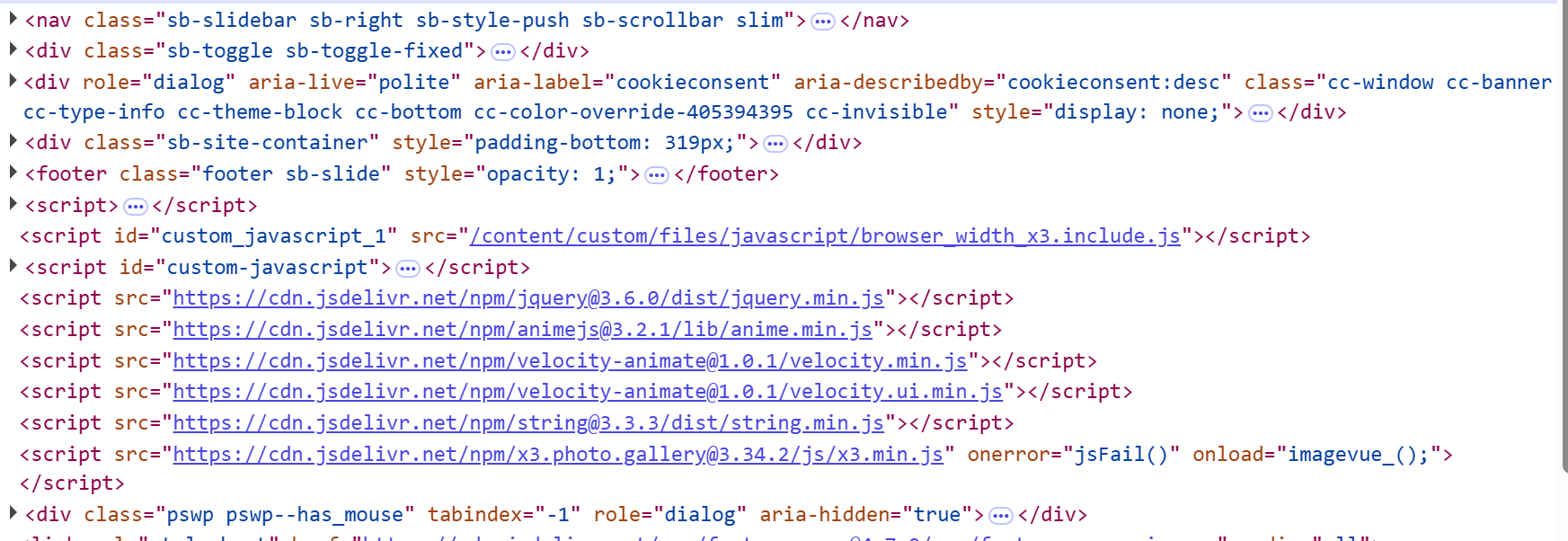
I have some custom Javascript code that I've saved into a .js file, and as recommended, I've named it with "include" in the name (for example "myscript.include.js"), so that it automatically loads into my X3 website.
Now, I don't wish to call that file site-wide, but instead only for a few pages, so for each of those galleries that I wish that Javascript code to run, I go to those galleries' respective Settings | Page | Advanced | Page Javascript... but now I don't know what to paste in here. The help for that field states:
Thanks in advance.
I have some custom Javascript code that I've saved into a .js file, and as recommended, I've named it with "include" in the name (for example "myscript.include.js"), so that it automatically loads into my X3 website.
Now, I don't wish to call that file site-wide, but instead only for a few pages, so for each of those galleries that I wish that Javascript code to run, I go to those galleries' respective Settings | Page | Advanced | Page Javascript... but now I don't know what to paste in here. The help for that field states:
Do I enter in only the filename with extension, or do I precede that with the full path also?Don't includetags here.Code<script></script>
Thanks in advance.